
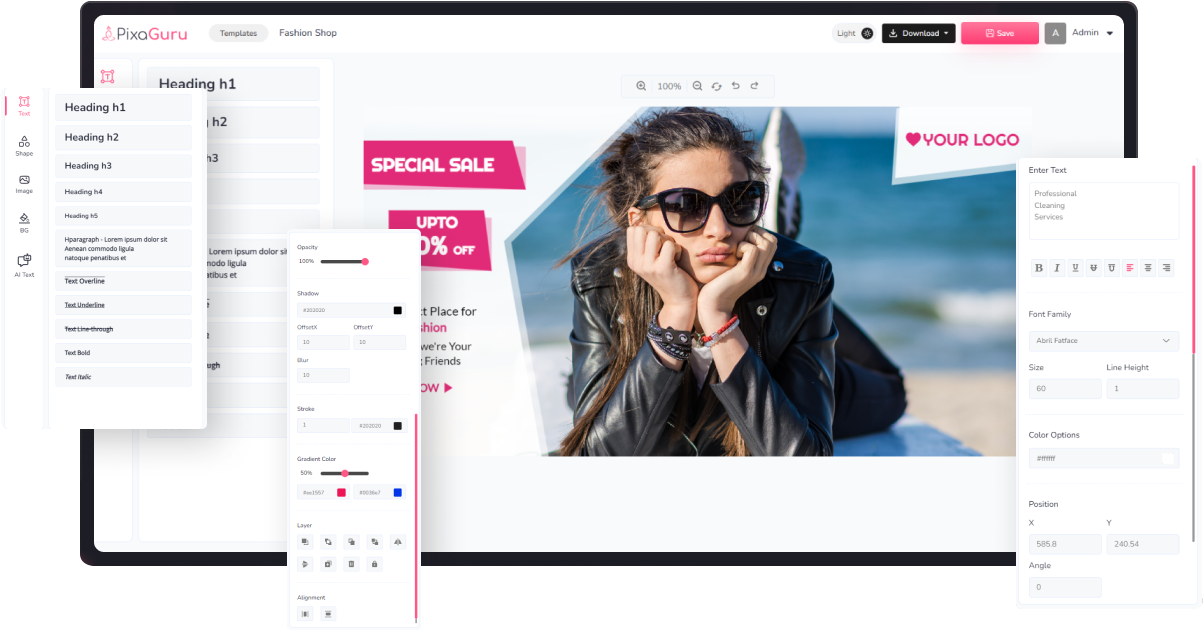
Massive Graphics Pack Of 1700+ Customizable Ads, Banners With This Complete Collection
YouTube Thumbnail
thumbnail
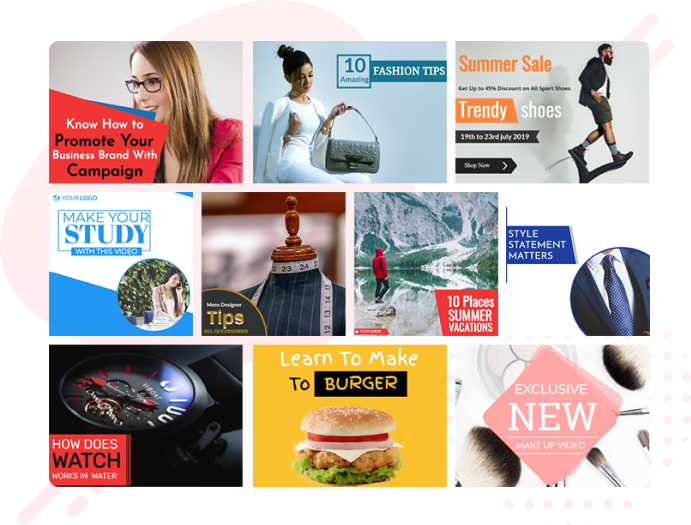
Create captivating YouTube thumbnails easily with Pixaguru Editor. Choose from our library of inbuilt templates or create your own from scratch to make your videos stand out.
social media
Facebook Post
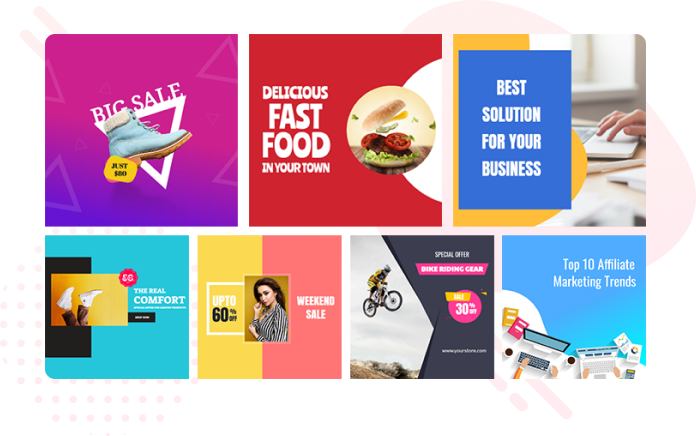
Pixaguru Editor makes it easy to create Facebook posts that meet the platform's guidelines. Choose from different sizes including landscape and square and utilize our prebuilt templates to create eye-catching designs.
Pinterest Pins
Elevate your Pinterest game with Pixaguru Editor. Our editor provides a variety of options and prebuilt templates to create stunning pins and increase engagement on your boards.

Twitter Post
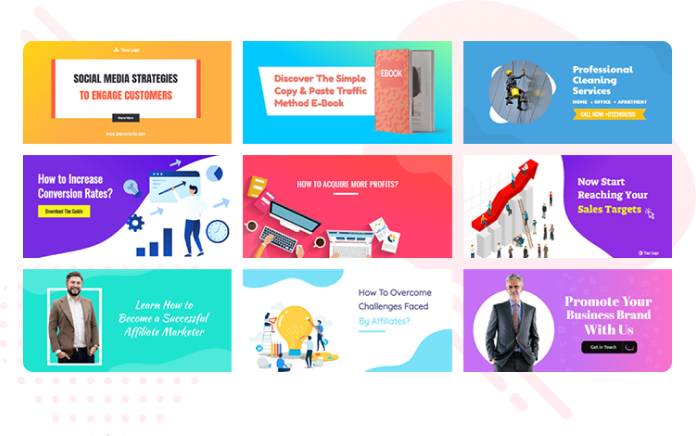
Easily create Twitter posts and quotes with Pixaguru Editor. Customize your designs and make them stand out with our easy-to-use editor. Share your message with the world and engage your audience with visually appealing content.
1700+
Massive Graphics Pack Of 1700+ Customizable Ads, Banners With This Complete Collection
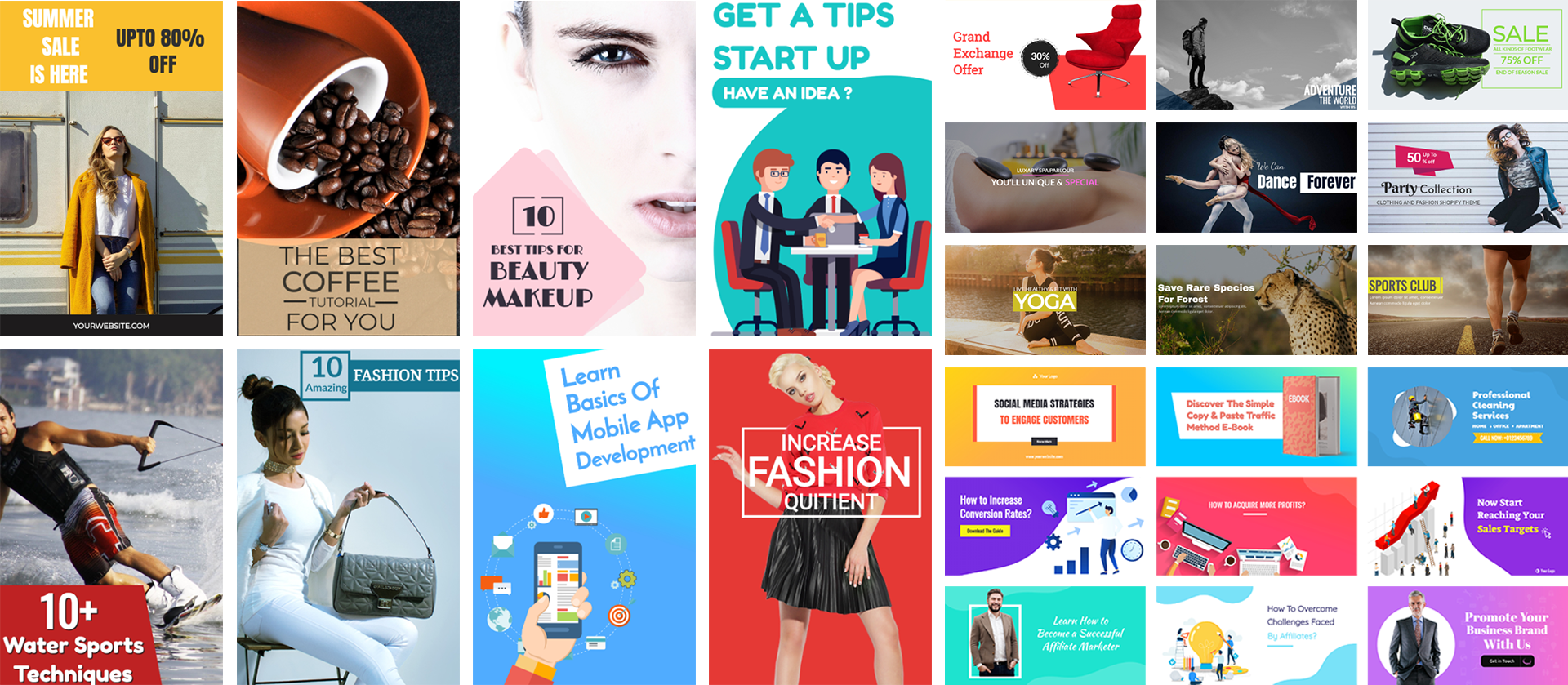
ads graphics
A Comprehensive Collection of Cutting-Edge Ad Templates
Discover a comprehensive collection of cutting-edge ad templates in the Pixaguru template library. Whether you need images for your Google, Facebook, or any other platform ads, we have a wide variety of sizes available. With our diverse selection, you can easily find the perfect ad images to elevate your advertising campaigns.
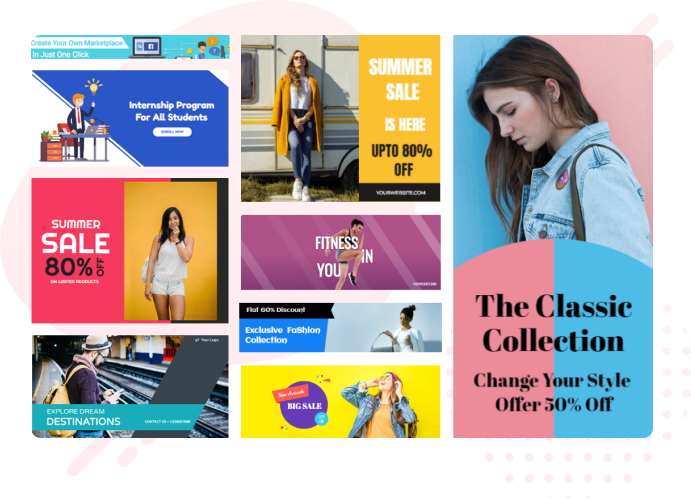
website banners
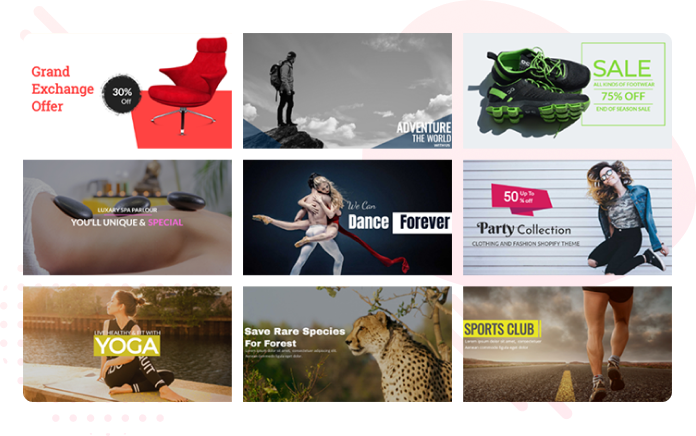
Eye-catching Banners That Make A Lasting Impression
Make a lasting impression on your website visitors with Pixaguru Editor's eye-catching banners. Our collection includes hundreds of stunning website banners that will help your website stand out and look its best. Choose from a wide variety of options to find the perfect banner that suits your needs and elevates your website's visual appeal.
Unleash Your Creativity with Pixaguru Editor A User-Friendly Yet Powerful Design Tool

Maximizing Typography Headings, Fonts, And Effects
Pixaguru Editor Offers A Variety Of Typography Options To Customize Headings, Paragraphs, And Other Elements With Font Style, Color, Size, And Line Height. You Can Also Add Gradients, Strokes, And Shadows To Make Your Text Stand Out And Captivate Readers. With Typography, You Can Create Engaging And Impactful Content.
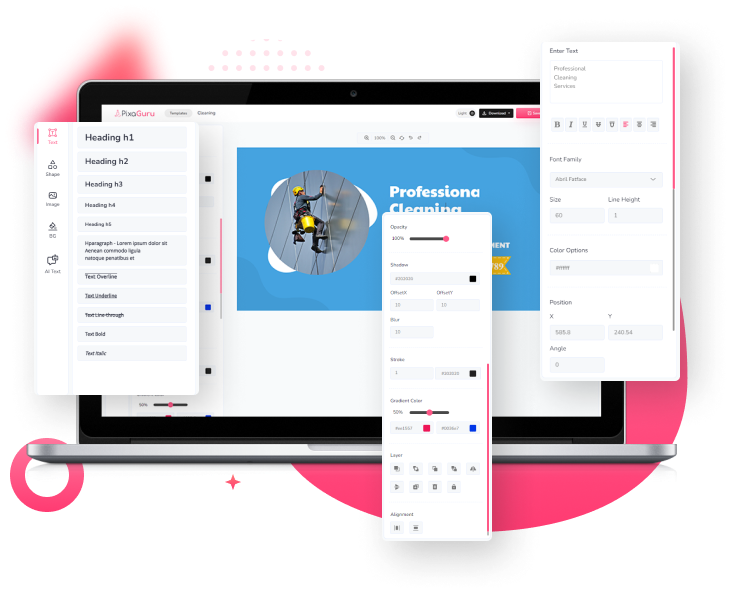
Shape Library Enhance Your Design With A Vast Array Of Assets
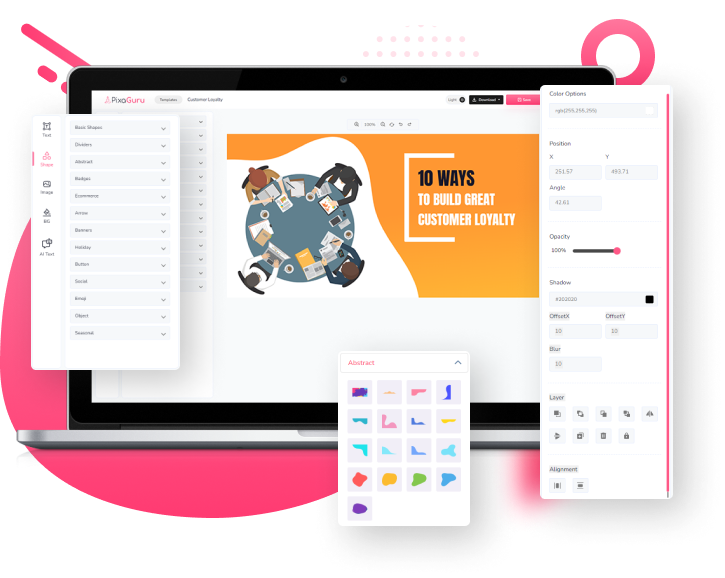
Pixaguru Shape Library Has A Variety Of Assets Like Basic Shapes, Dividers, Badges, And More To Enhance Your Designs. Customize Each Shape Easily By Adjusting Size, Color, Opacity, And Other Settings. You Can Even Add Your Own Custom Shapes To The Library For More Options. Create Stunning Designs That Stand Out With Pixaguru Today.
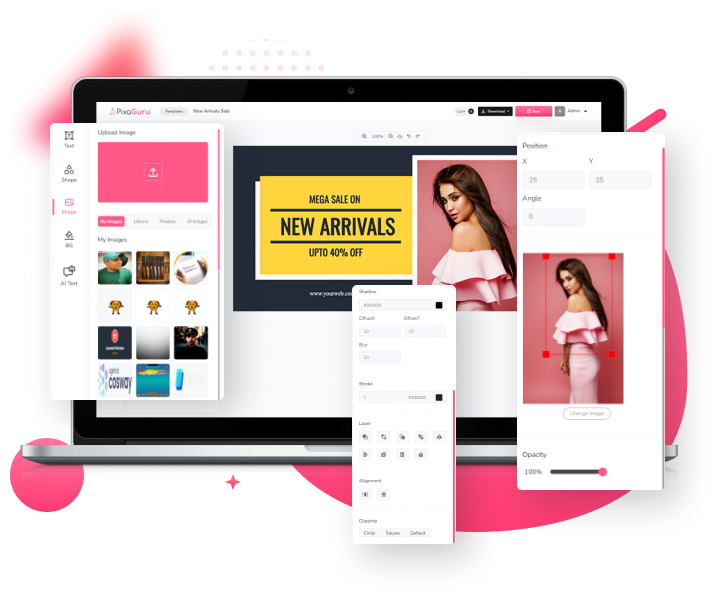
Simplify Your Design Process With Our Extensive Image Library And Editing Tools
Pixaguru's Image Option Tool Lets You Upload Your Own Images And Access A Massive Library, Including Pixabay Integration For More Options. You Can Crop, Resize, And Add Special Effects Like Opacity, Shadow, And Stroke. Create Stunning Visuals That Leave Your Audience In Awe With Endless Possibilities Using Pixaguru's Image Options.
Customizable Background Options
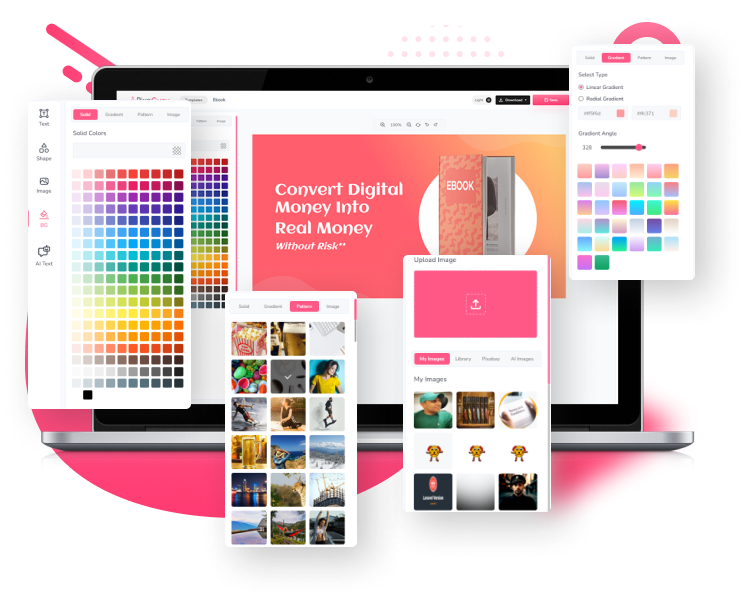
Pixaguru Editor Provides Customizable Background Options Such As Solid Colors, Gradients, Patterns, Or Images. You Can Also Use Your Own Colors, Gradients, And Images To Create A Stunning Design. Customize Your Background To Fit Your Needs With Pixaguru.
Design Editor Tools
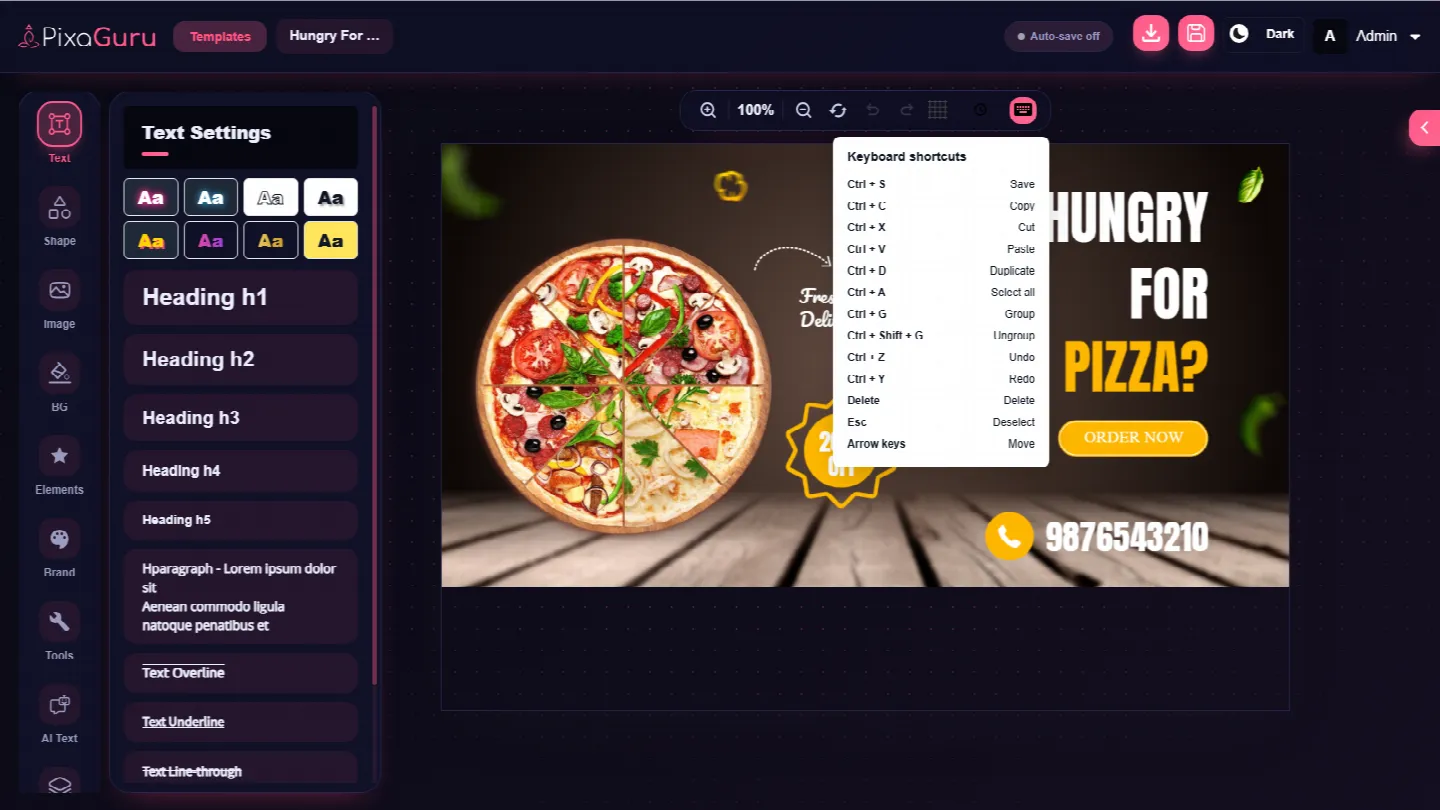
Shortcuts, Smart Guides & Grouping
Edit faster with keyboard shortcuts for save, copy, paste, undo, redo and more. Smart guides and object snapping keep every element perfectly aligned and positioned, while Ctrl+G lets you group and ungroup objects in a single step.
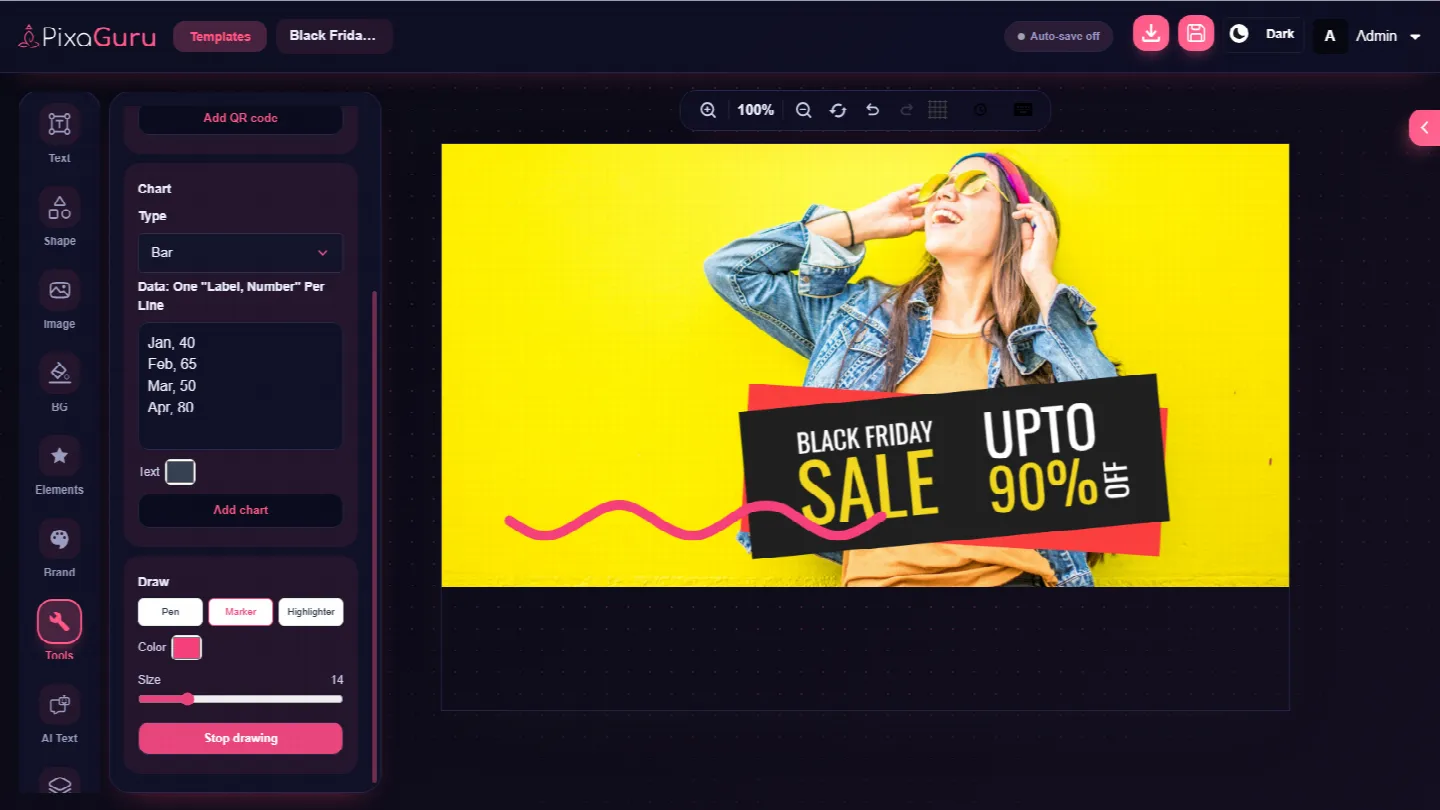
Freehand Drawing & Highlighter
Draw and highlight directly on the canvas. Sketch custom shapes, underline key points or add a hand-made touch to any design without leaving the editor.
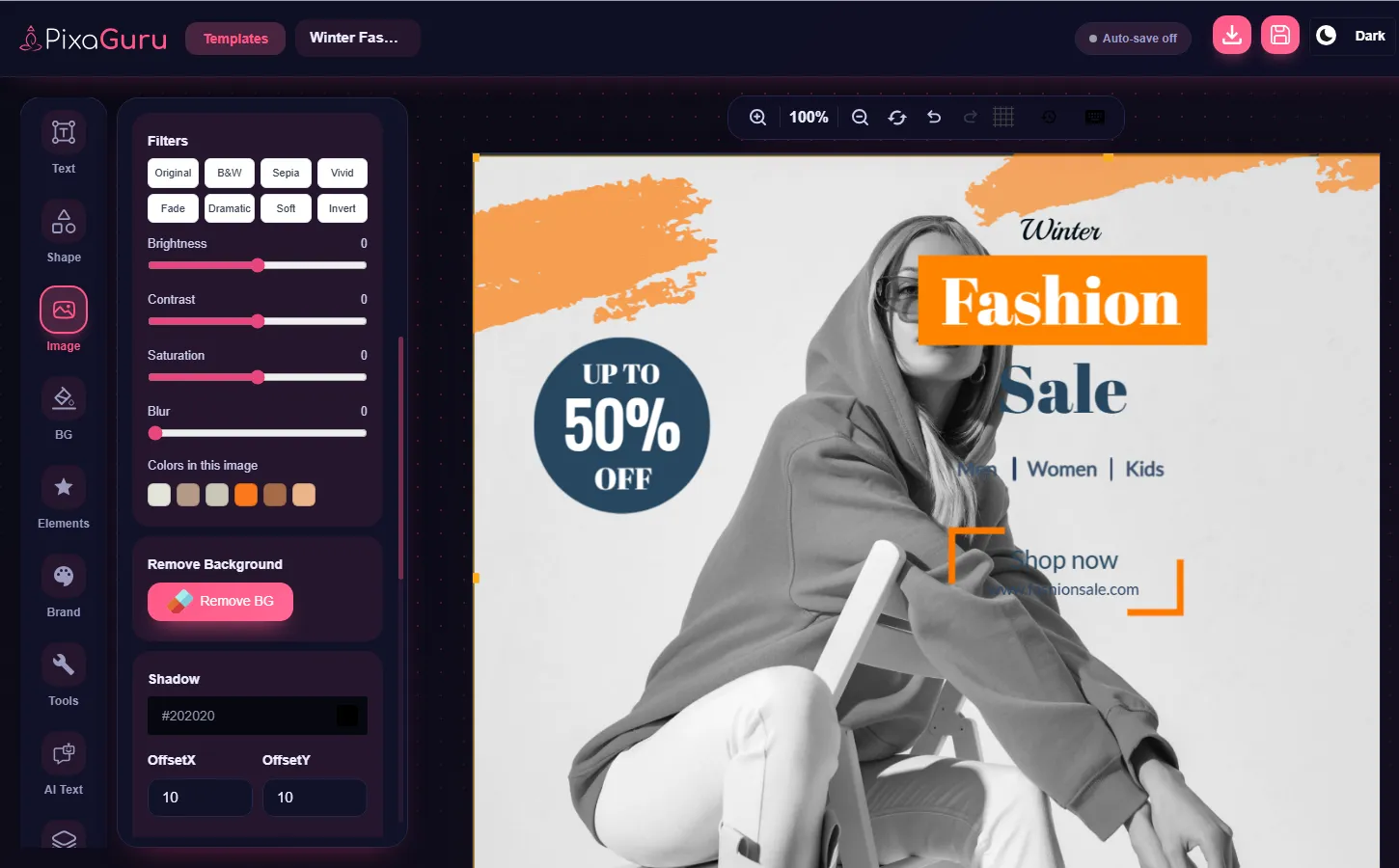
Image Filters
Apply filters and image adjustments such as B&W, Sepia, Vivid and Dramatic, then fine-tune brightness, contrast, saturation and blur to get the exact look you want.
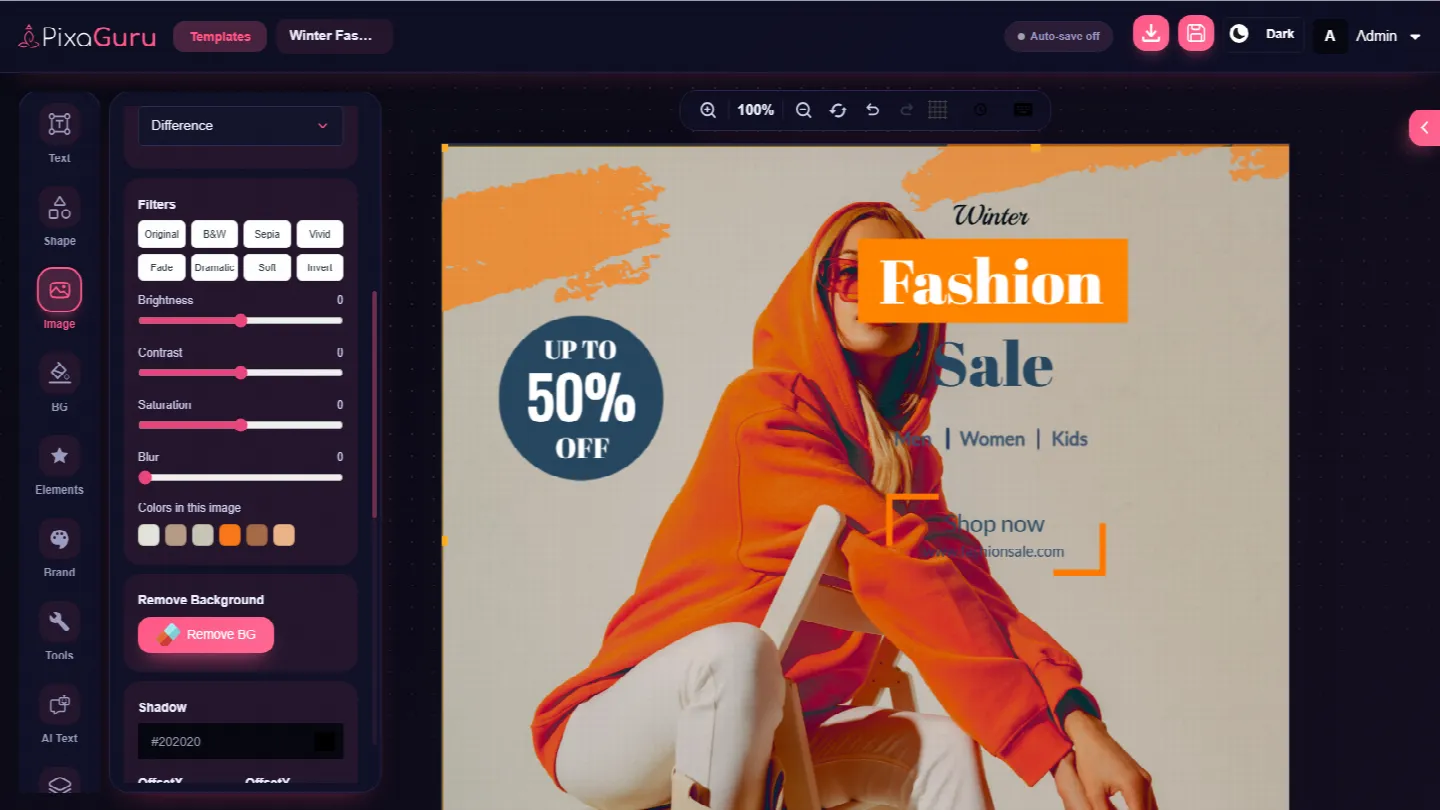
Blend Modes
Create advanced blending effects between design elements and the layers beneath them for richer overlays, depth and professional-looking results.
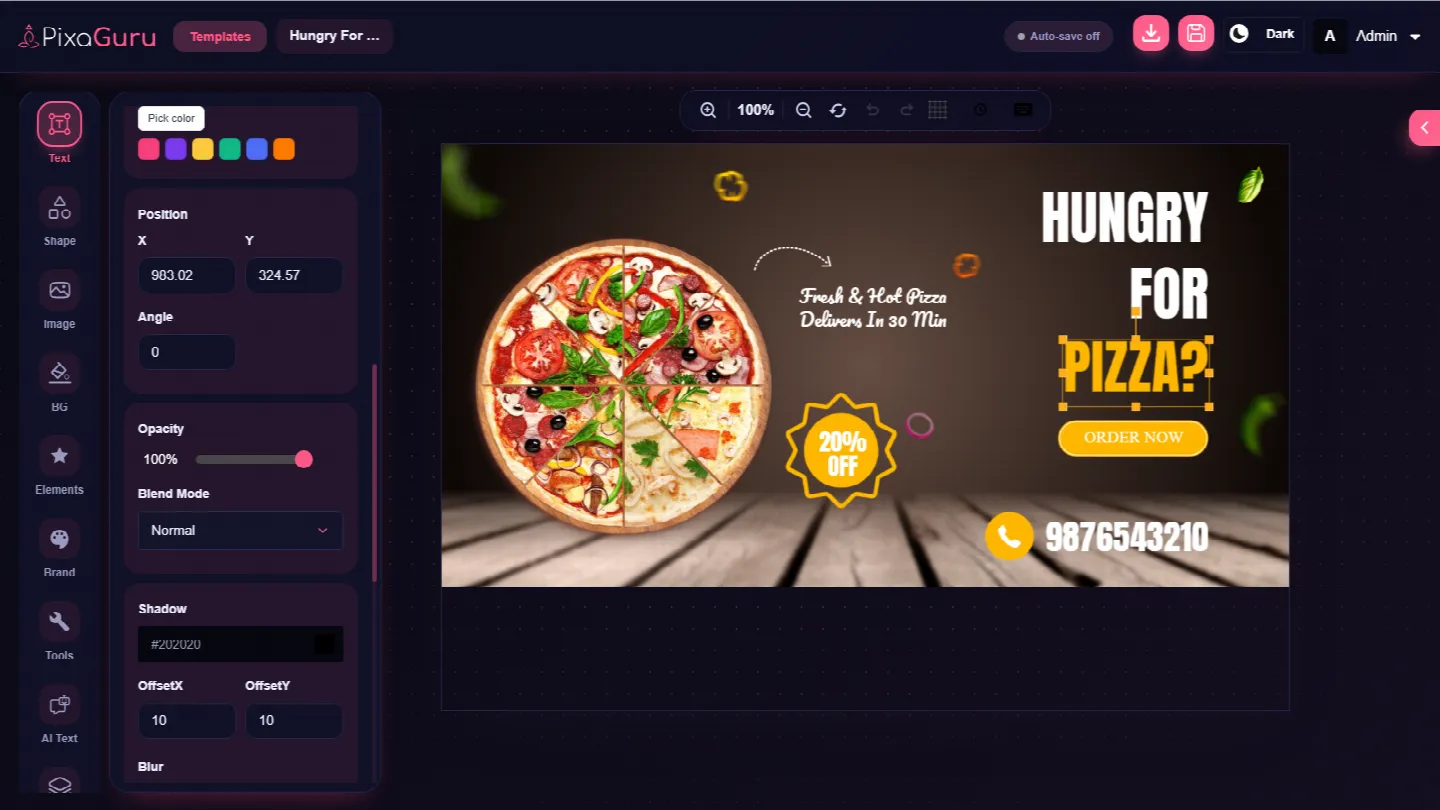
Color Tools
Enhanced color selection and customization with a color picker, quick swatches and colors pulled straight from your image, so every design stays on palette.
Typography Features
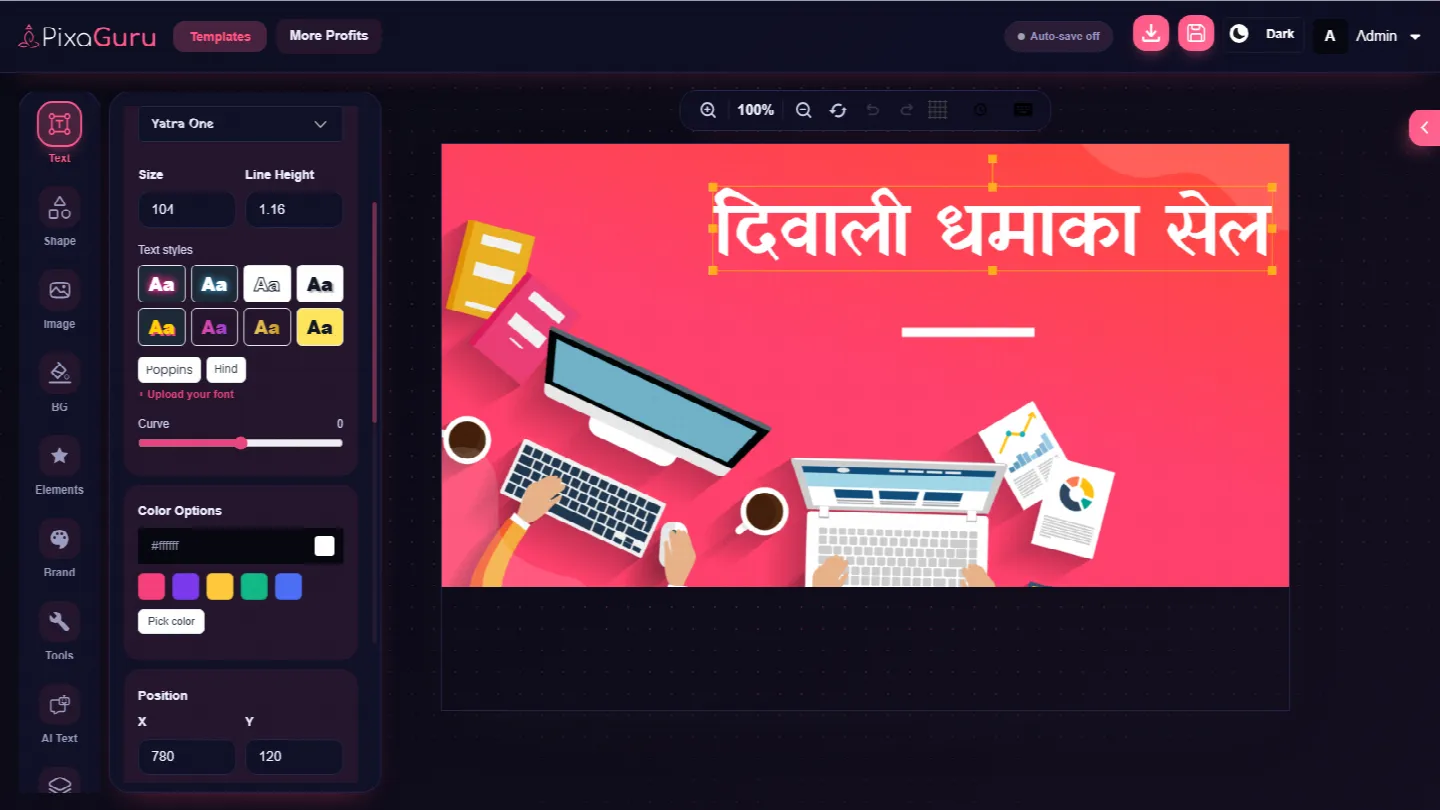
Custom Font Upload & Hindi Fonts
Upload your own fonts or pick from the built-in Hindi fonts to design in your language. Full support for custom and Hindi typography means your text always looks the way you intend.
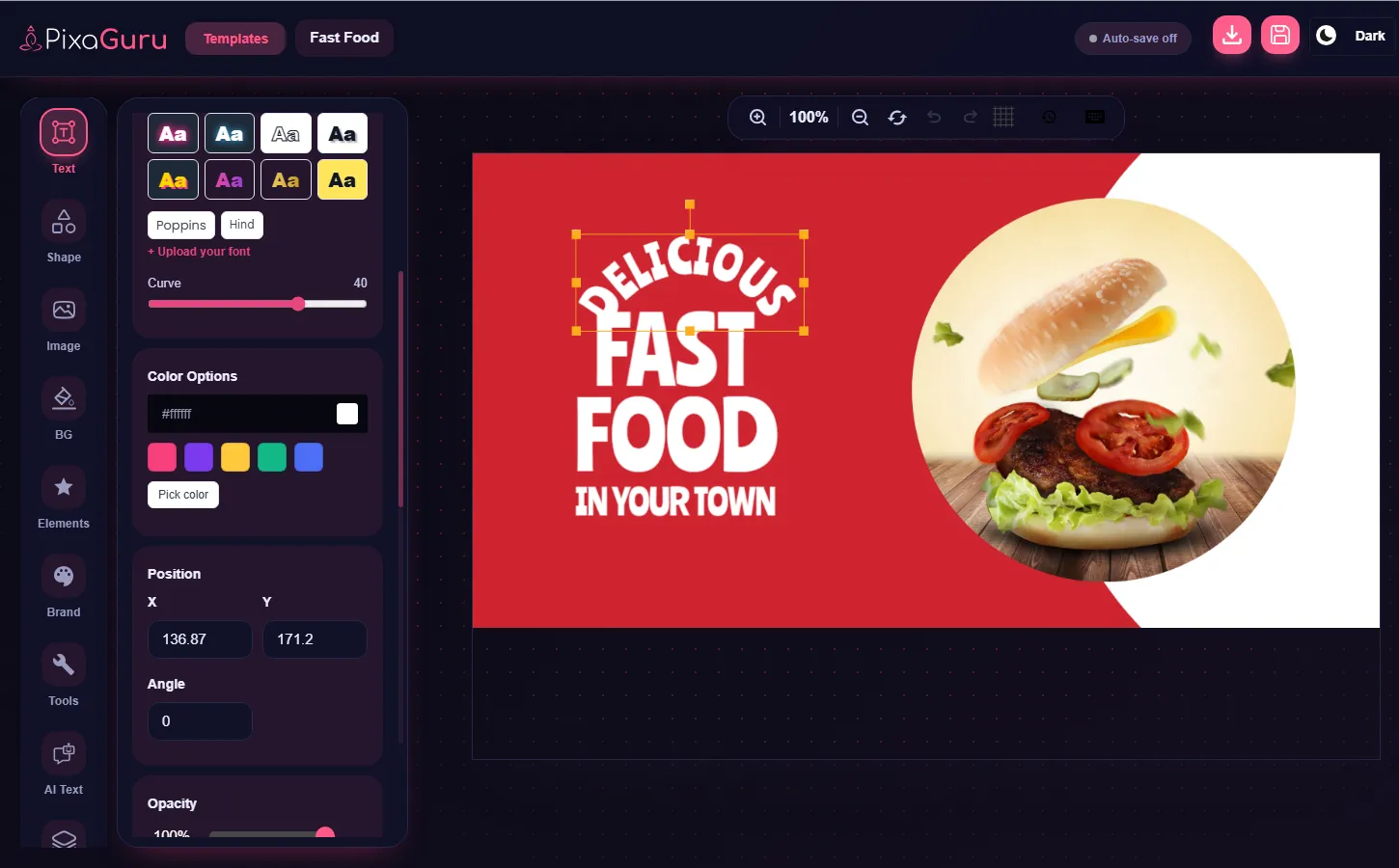
Curved Text, Effects & Style Presets
Bend text along a curve with a single slider and add advanced text effects. Ready-to-use text style presets give you eye-catching typography in one click.
Graphics & Assets
Illustrations & Stickers Library
Add personality to any design with 383 ready-to-use illustrations and stickers, organized by category and ready to drop onto your canvas.
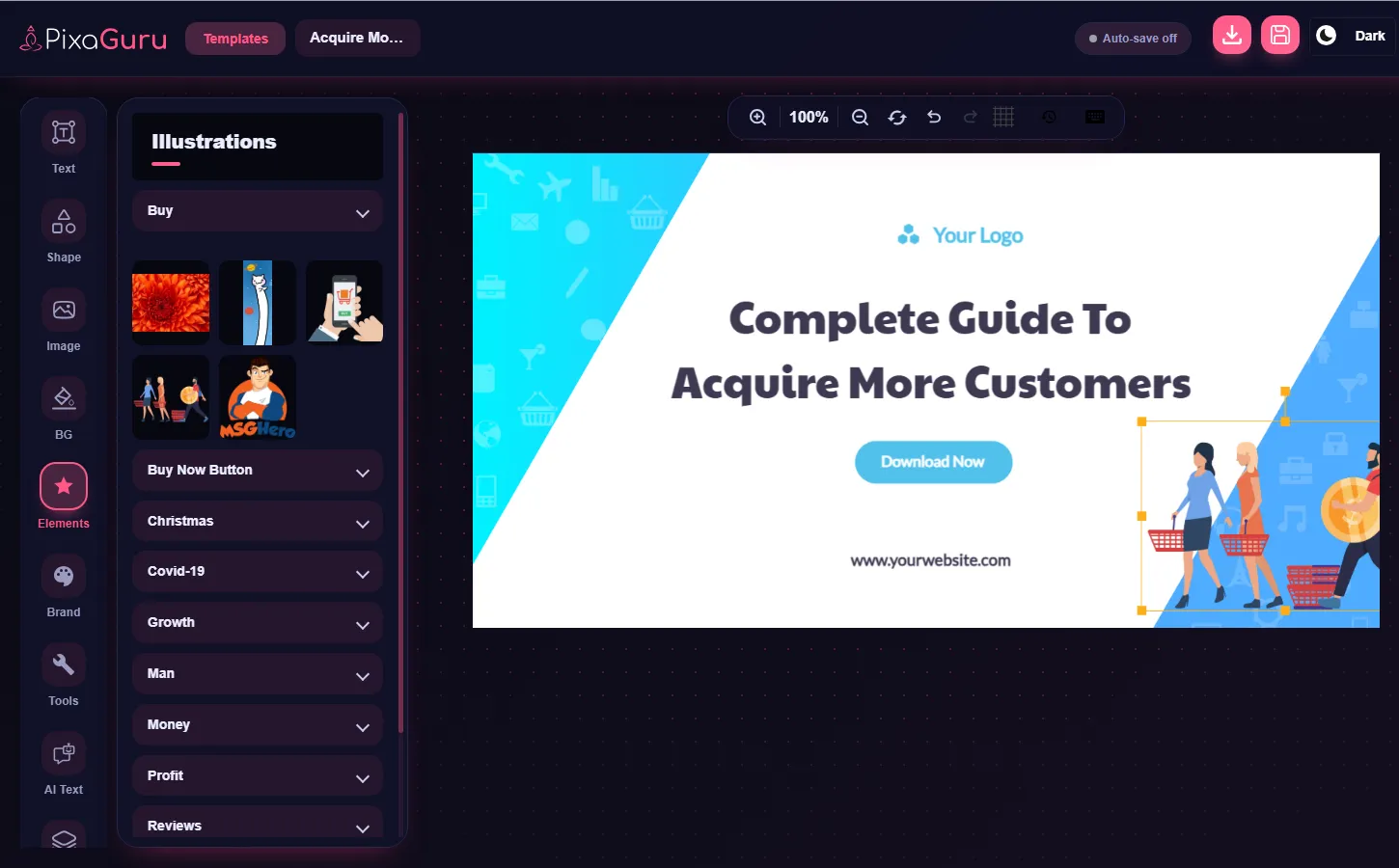
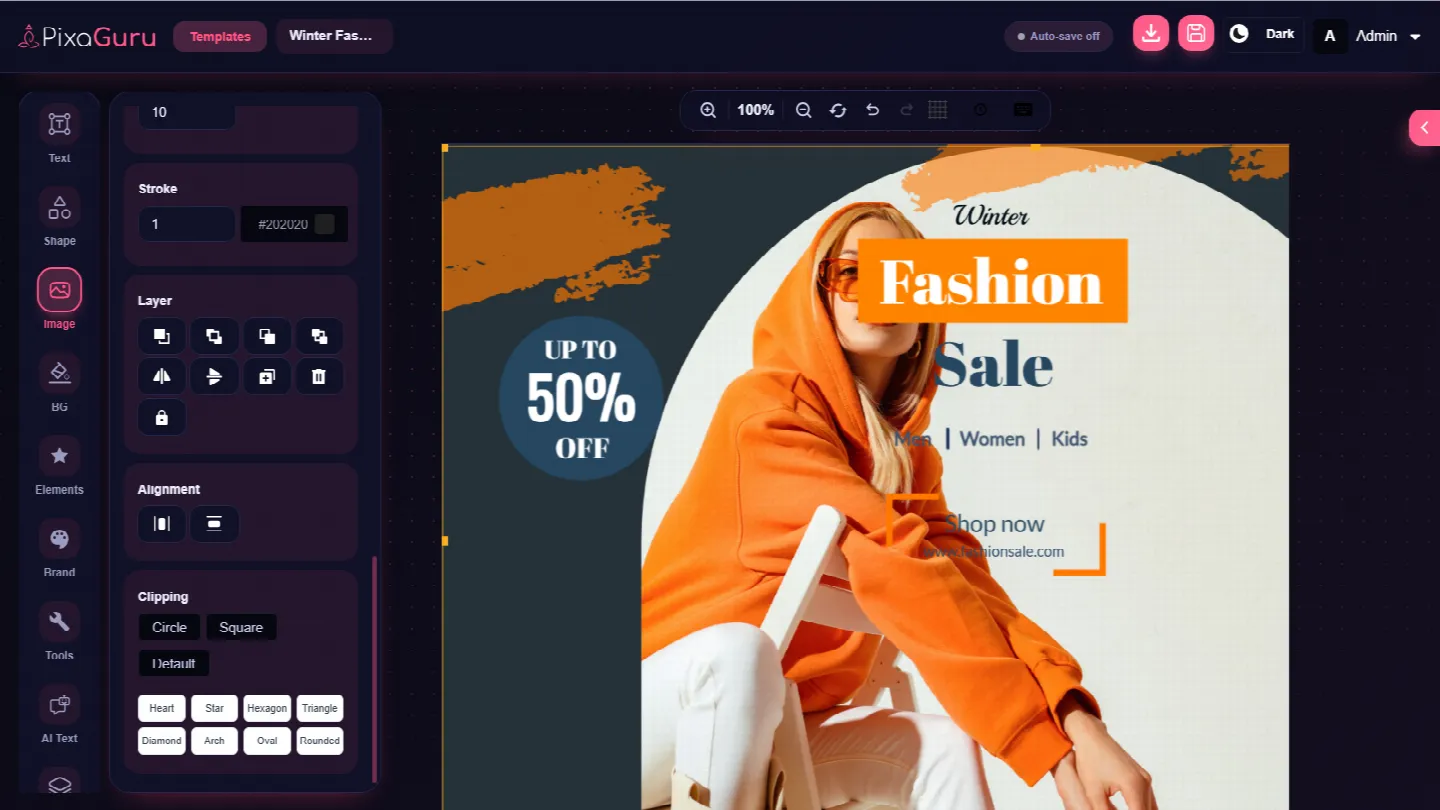
Photo Frames
Place your photos inside creative frames to give every image a polished, designed look in just a click.
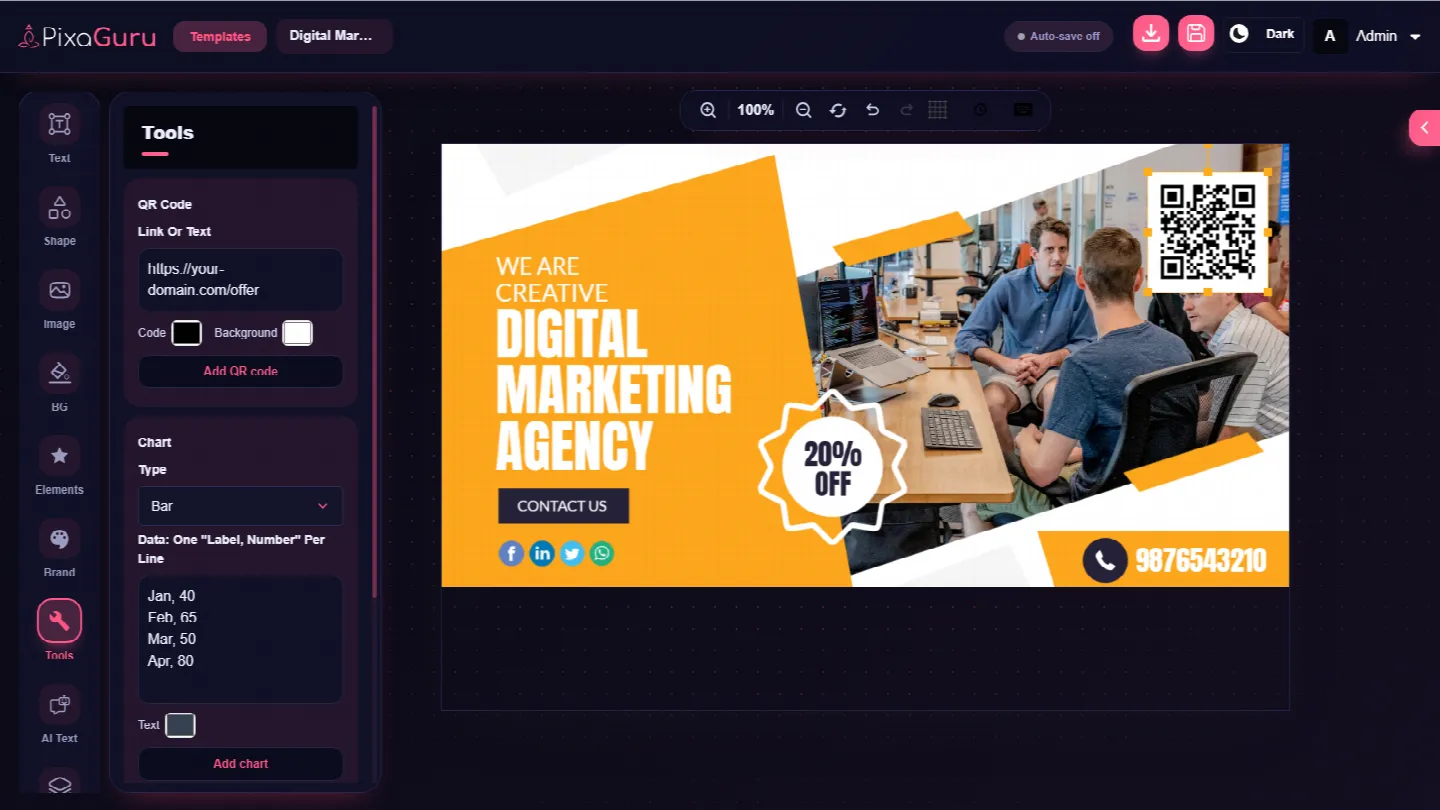
QR Code Generator
Generate and customize QR codes right inside the editor and place them on flyers, posters, ads and social posts.
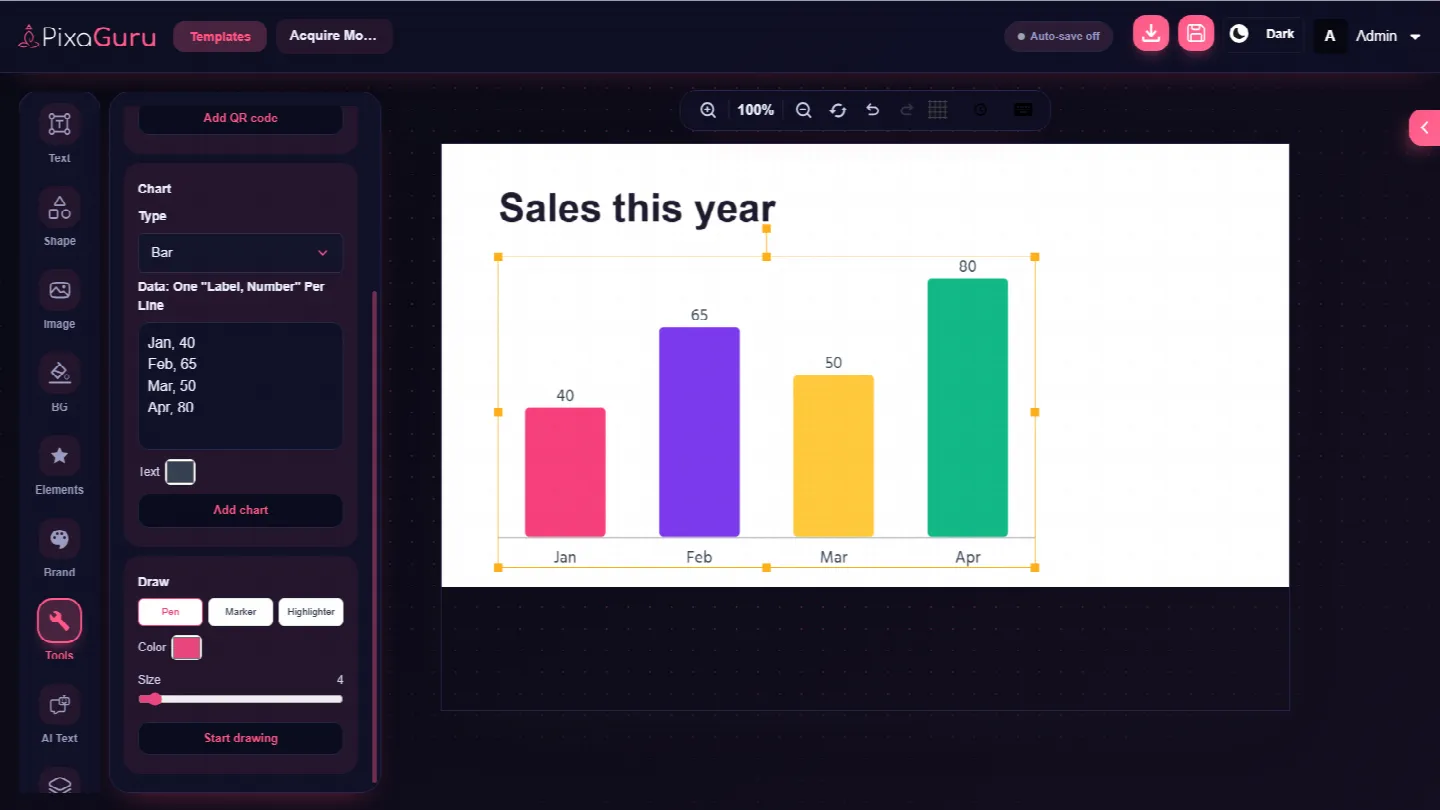
Charts
Create and customize charts to present data clearly in reports, infographics and presentations.
Export & Management
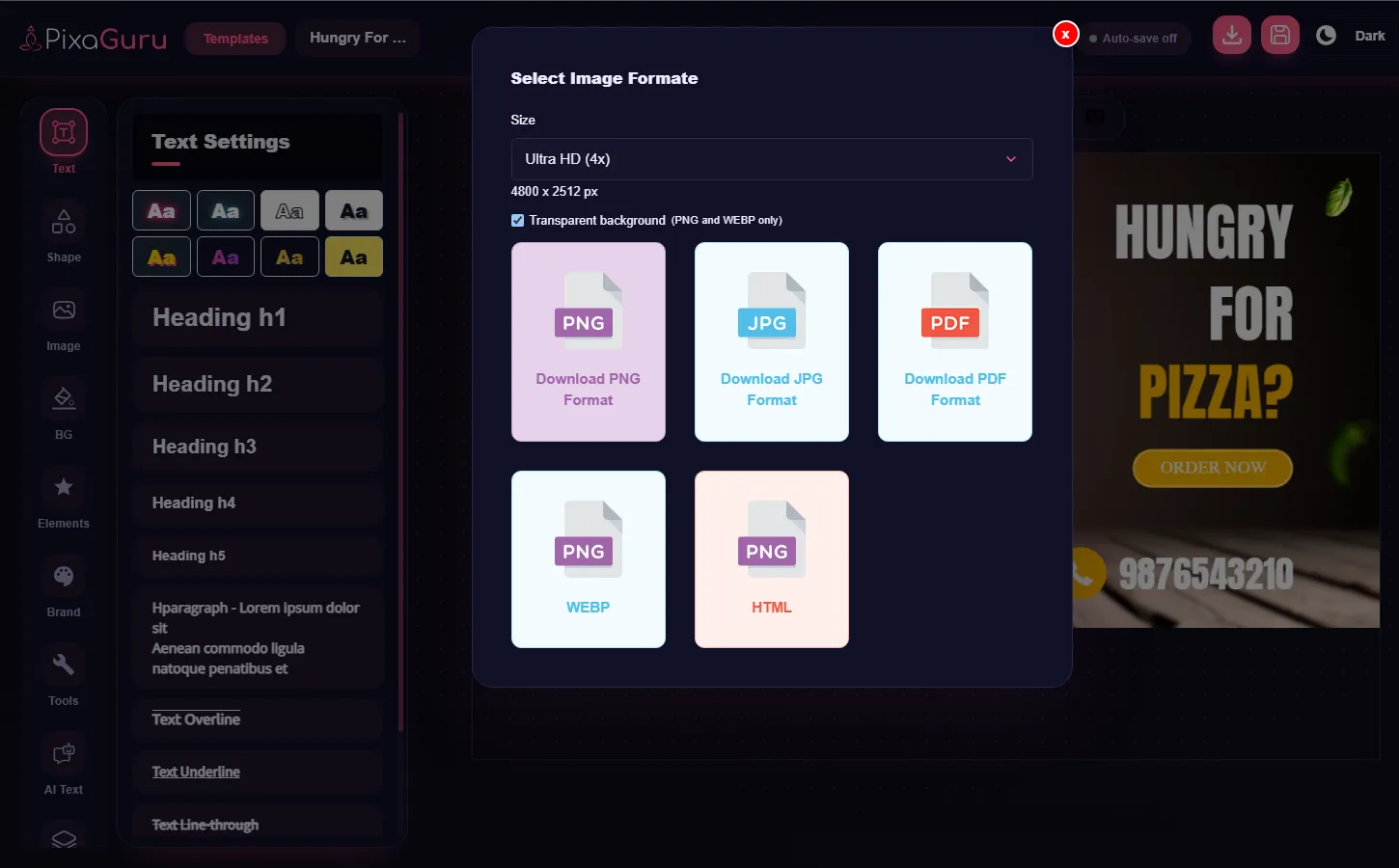
Transparent PNG & HD Export
Export with a transparent background and download high-resolution files in 2x or 4x for sharp results on every screen and in print.
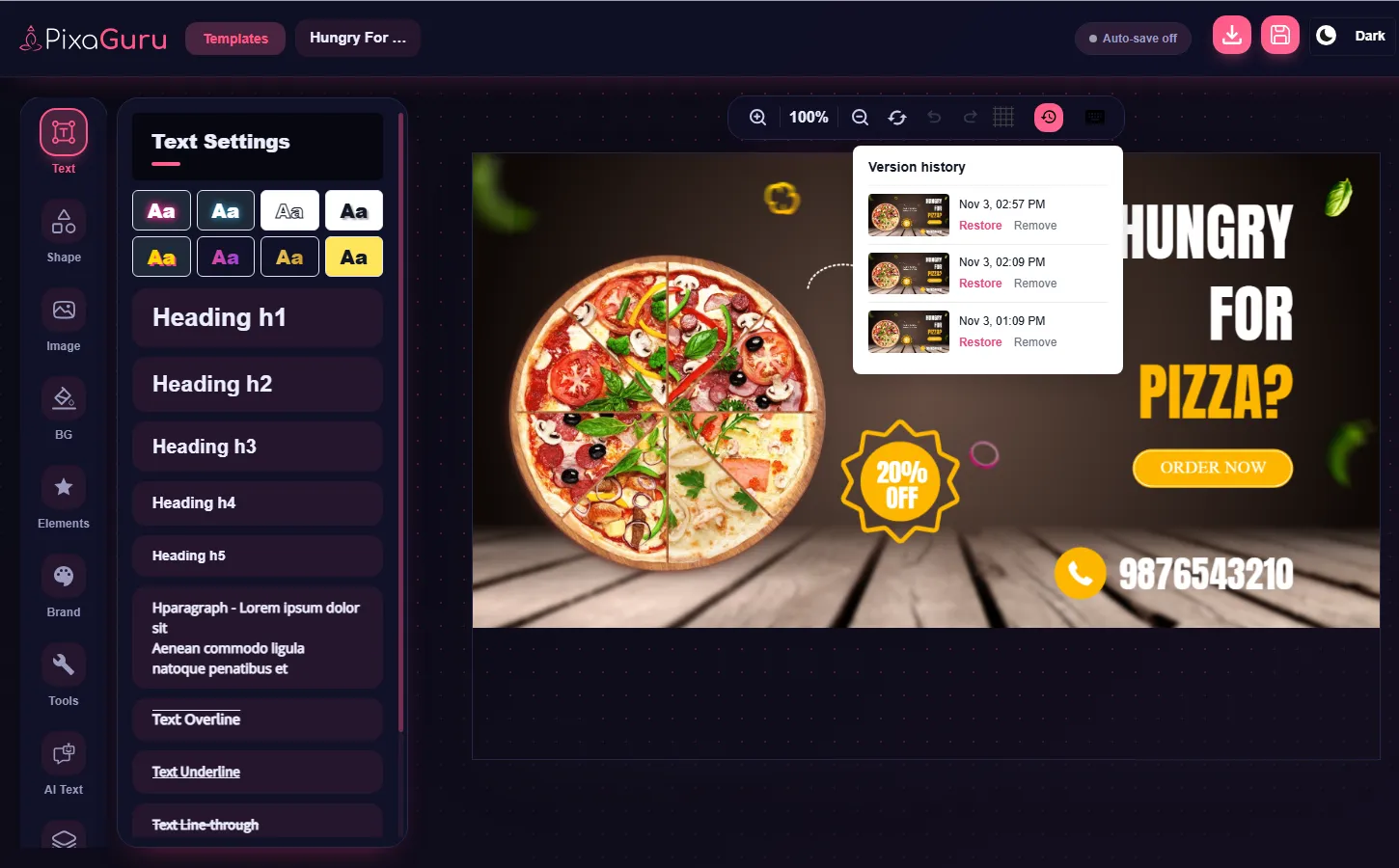
Version History
Track and manage previous versions of your design. Restore an earlier version whenever you need it, so you never lose your work.
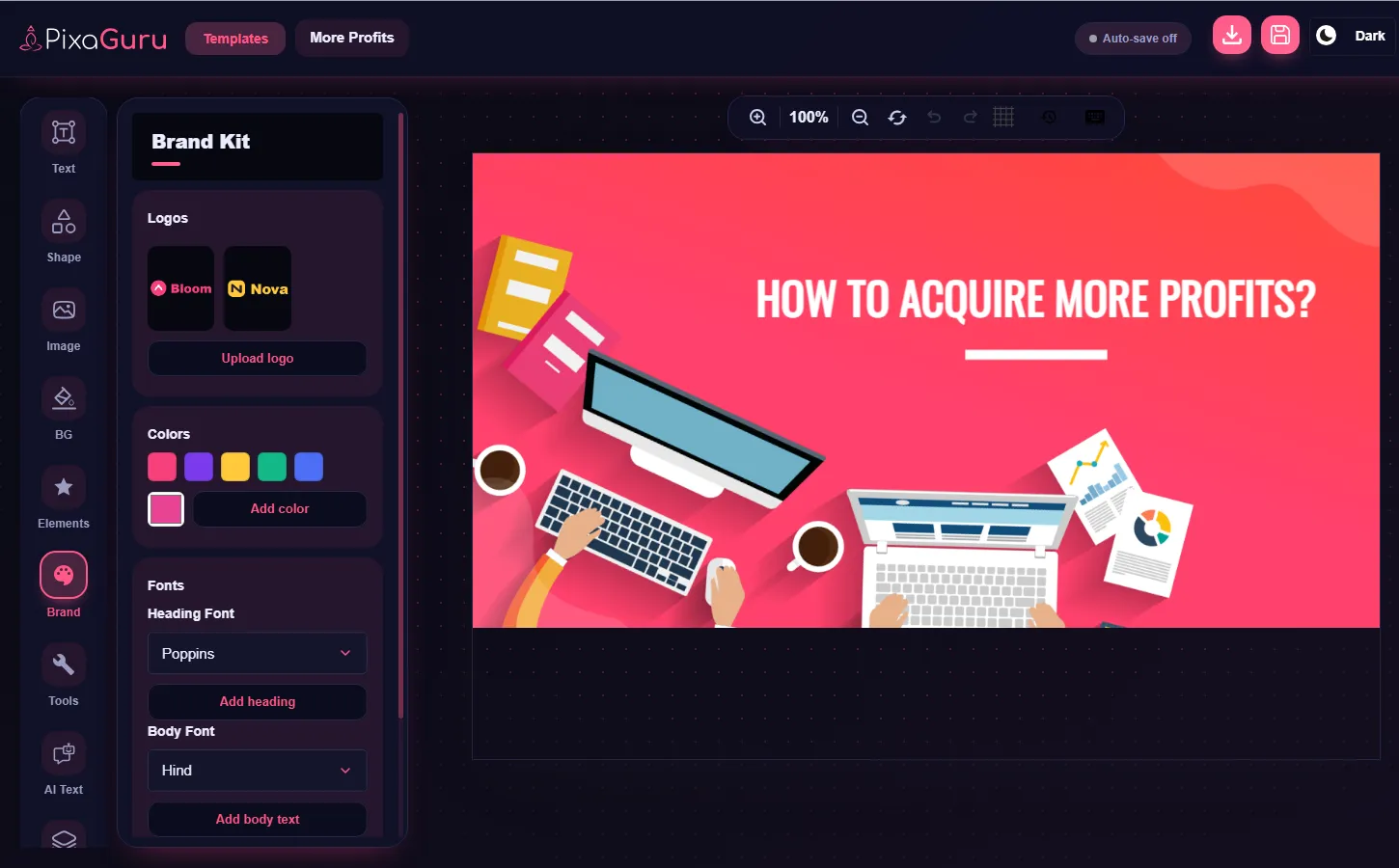
Brand Kit
Manage your brand colors, fonts and assets in one place and apply them to any design to keep every creative on brand.
Google & Microsoft
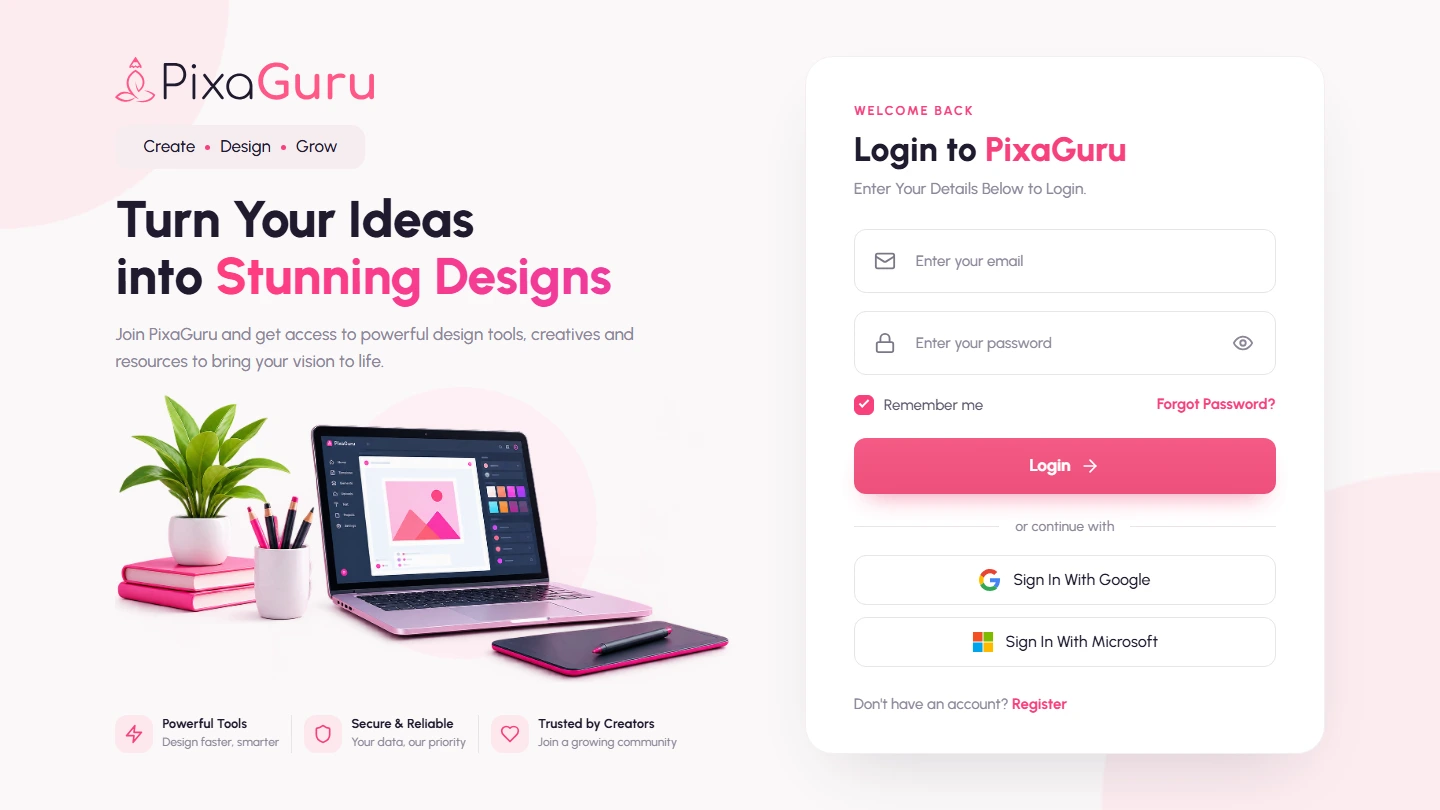
Google & Microsoft Login Integration
Let your users sign in with their Google or Microsoft account, alongside the existing email login, for a faster and easier start.
Payment Gateways
Stripe
Accept credit and debit card payments securely, with support for popular digital wallets.
PayPal
Let customers pay with their PayPal balance, a linked bank account or a saved card.
Razorpay
Accept UPI, cards, net banking and wallets, ideal for customers across India.
Paystack
Collect card and bank payments from customers across Africa with a smooth checkout.
Payeer
Accept instant payments from customers who use the Payeer e-wallet.
Manual Transfer
Let customers pay by bank transfer or offline, and approve each payment from the admin panel.
Admin Account Features
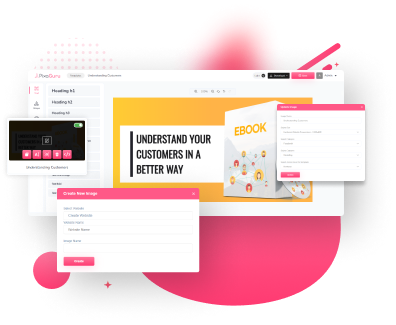
Create, Delete, Edit And Manage Templates
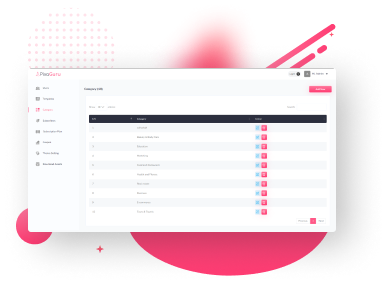
Manage Template Categories
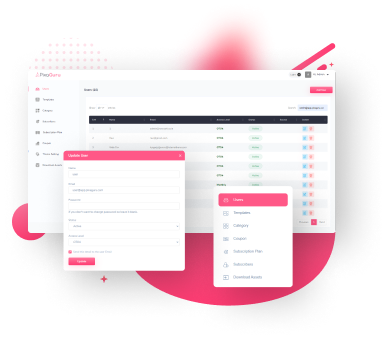
Manage Users And Access Roles
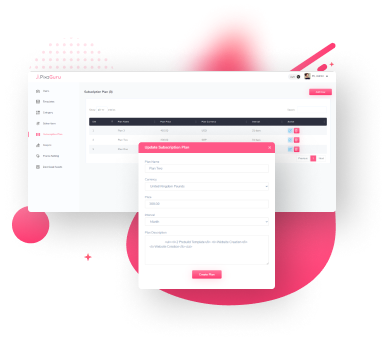
Manage Subscription Plans
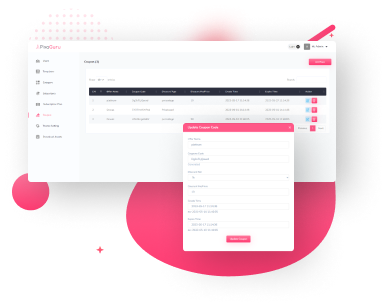
Manage Coupons
Pixaguru's Image Option Tool Lets You Upload Your Own Images And Access A Massive Library, Including Pixabay Integration For More Options. You Can Crop, Resize, And Add Special Effects Like Opacity, Shadow, And Stroke. Create Stunning Visuals That Leave Your Audience In Awe With Endless Possibilities Using Pixaguru's Image Options.
API Integrations
-
OpenAI
-
DeepSeek AI
-
Google Gemini AI
-
Anthropic (Claude)
-
FLUX (fal.ai)
-
Freepik / Magnific
-
Image Background Remove
-
Pixabay
-
YouTube
User Account Features
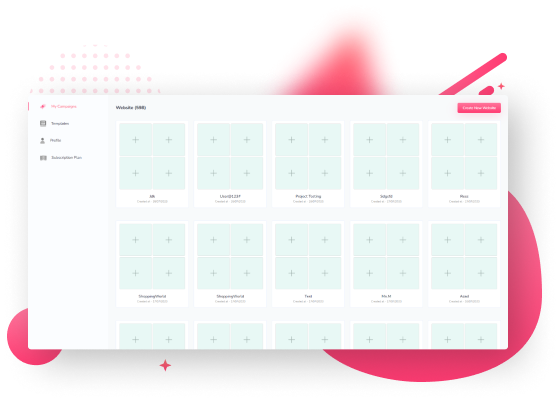
Create Campaigns
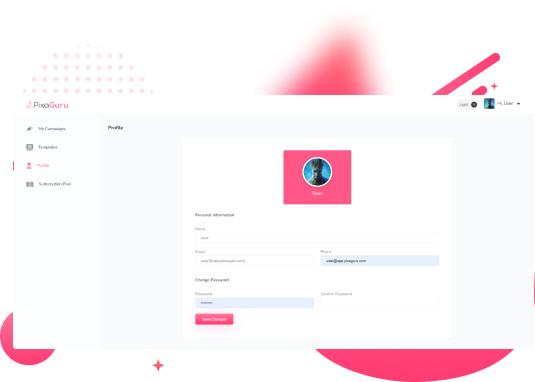
User Profile
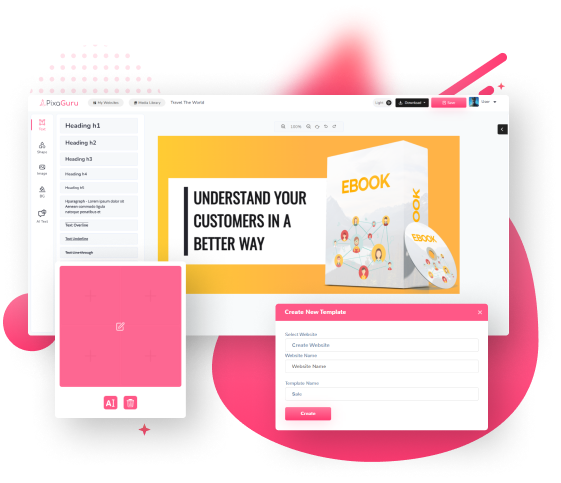
Create, Edit, Delete Templates
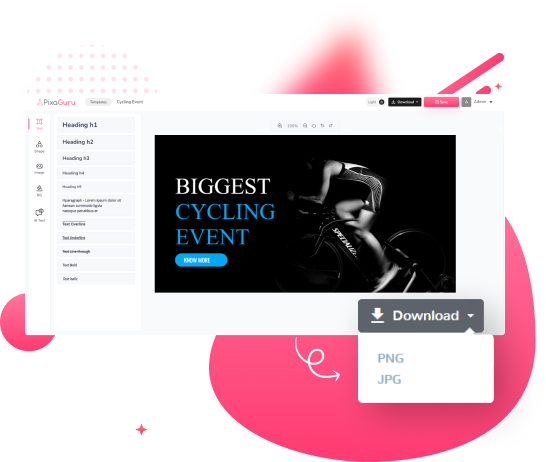
Download Templates in Jpg and Png File Formats
